
You've probably arrived here from our Galxe → Zealy "Follow us on Wefunder" competition.
Zealy Competition Instructions to Follow Us on Wefunder
REMEMBER: In order to be eligible for the Zealy competition, you MUST complete ALL of these steps:
- Sign up for Wefunder
- Follow cplx.io on Wefunder
- Attach a screenshot of proof that you followed cplx.io on Wefunder to your Zealy task.
For detailed steps on how to complete each of these steps you can expand the information sections below.
1. Sign up for Wefunder
- Navigate to the cplx.io Wefunder page https://wefunder.com/cplx.io:
- Click on ‘Log in or Sign up’ in the top right-hand corner:
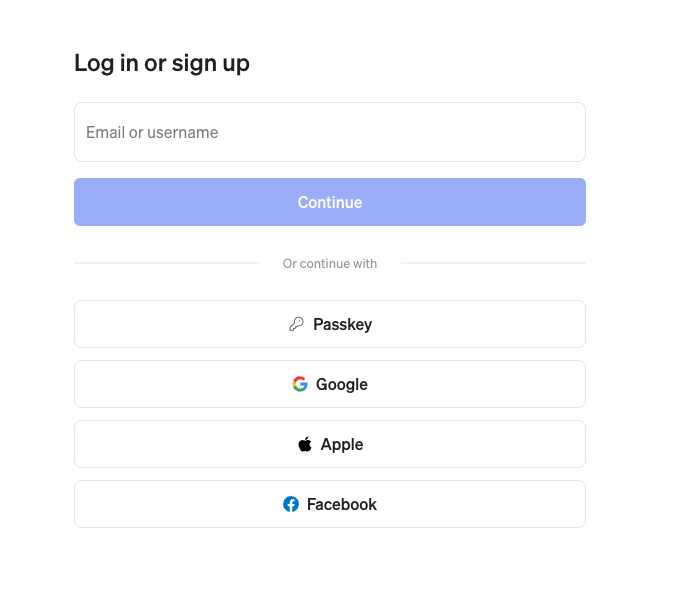
- You may choose to sign up with an email address, a passkey or one of the supported social accounts:
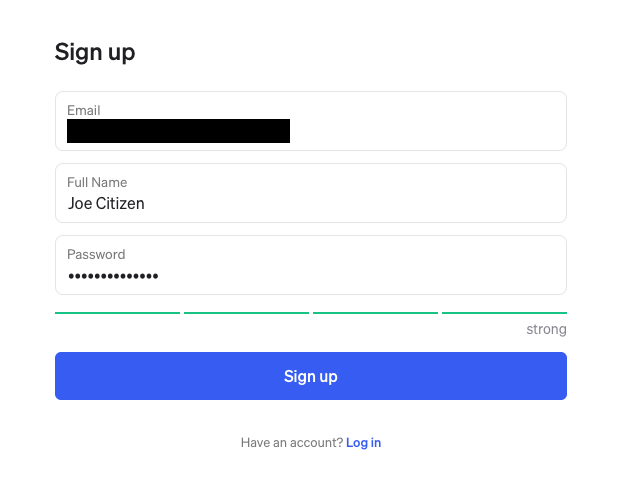
- If signing up by email enter your email, full name and a password:
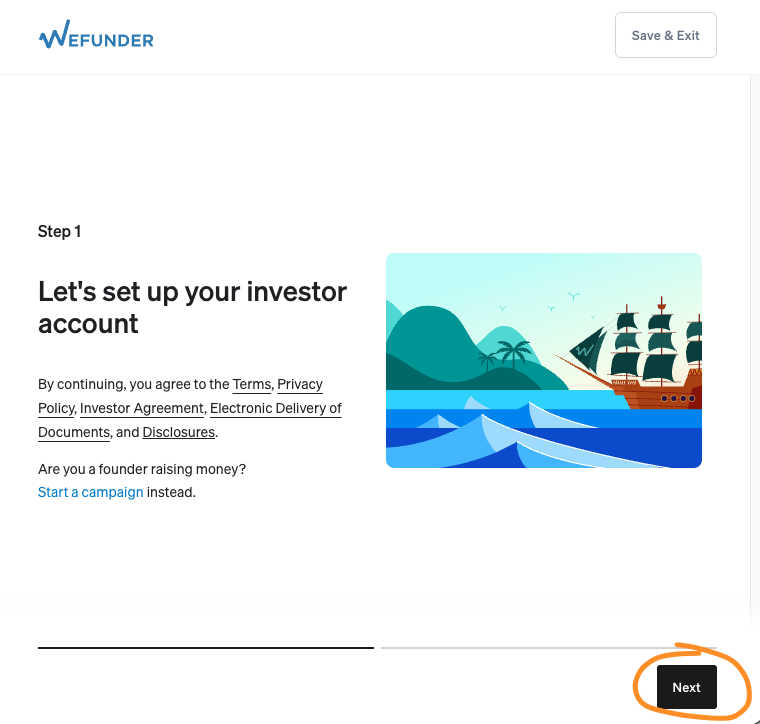
- You will be asked to set up an investor profile. Click ‘Next’:
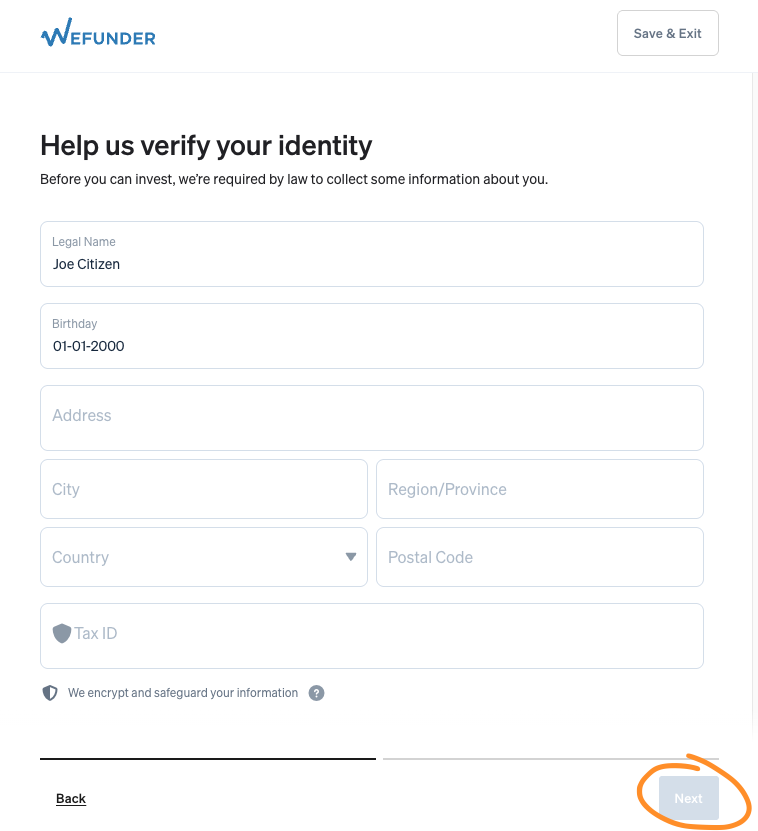
- Enter in your details and click Next:
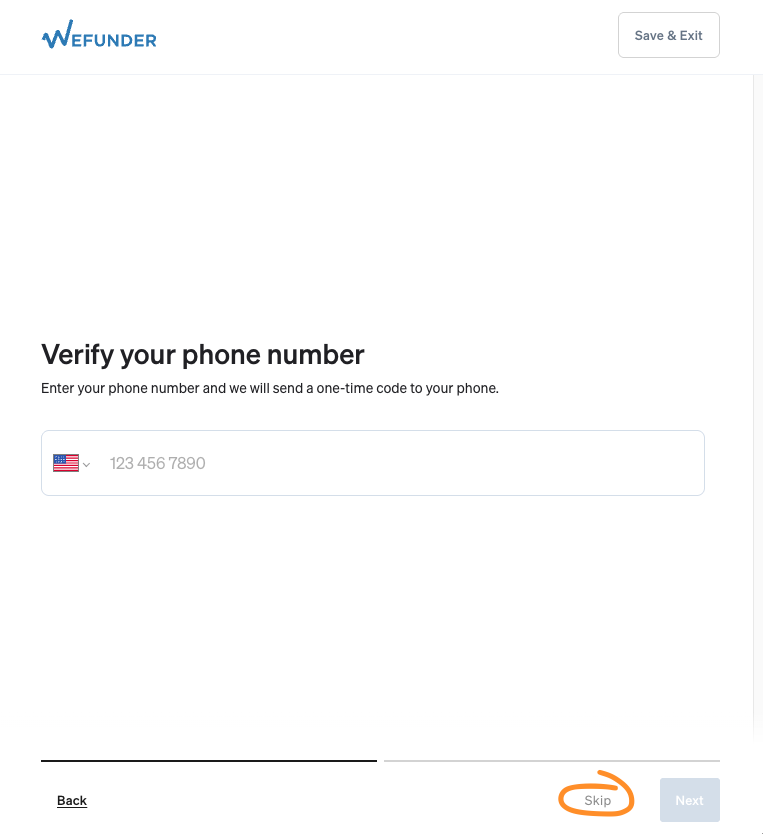
- When asked for your phone number, you may enter it in, or click on ‘Skip’:
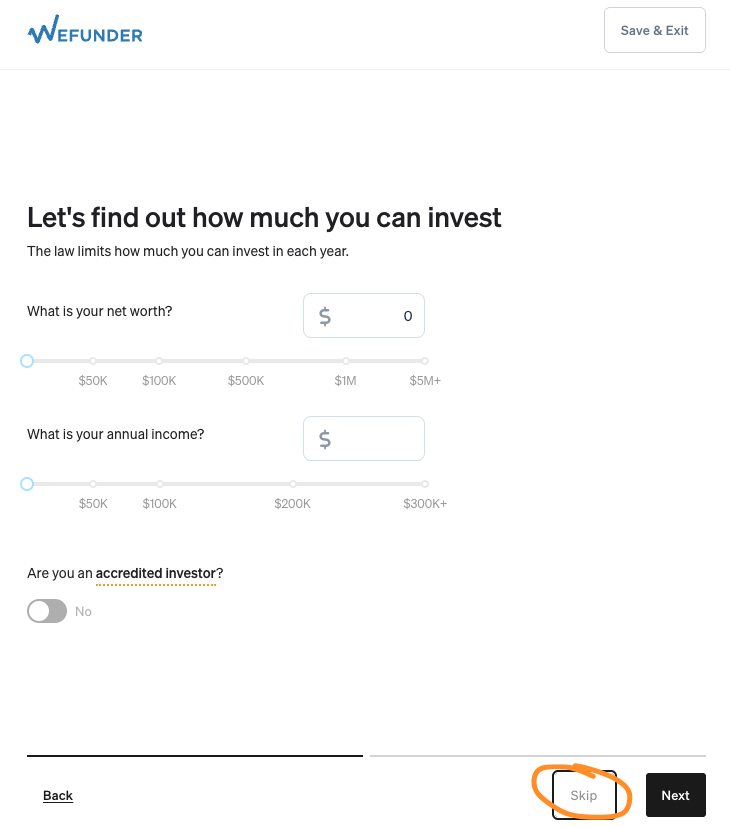
- You may also skip questions about your investment profile:
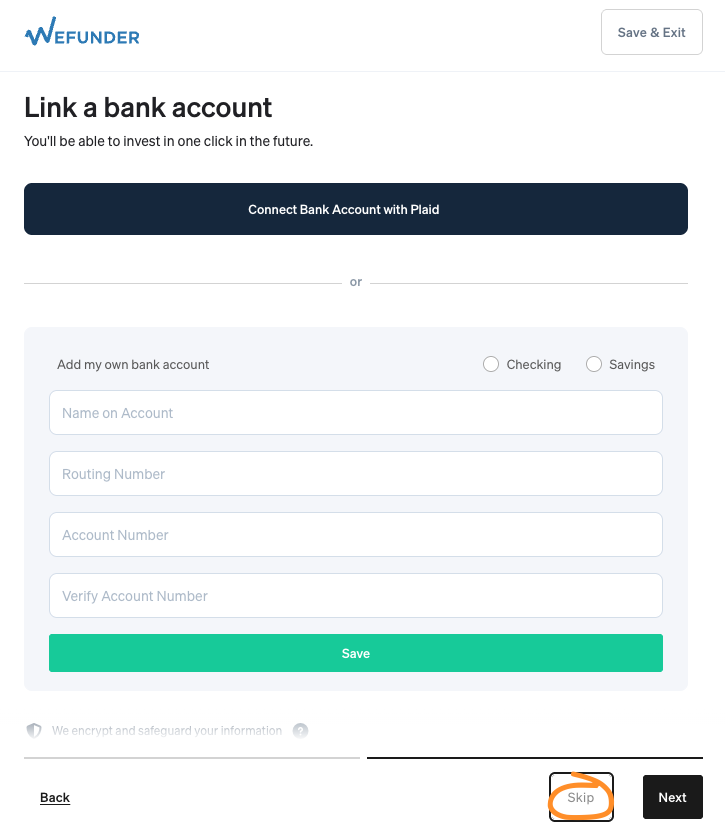
- You may skip linking your bank account:
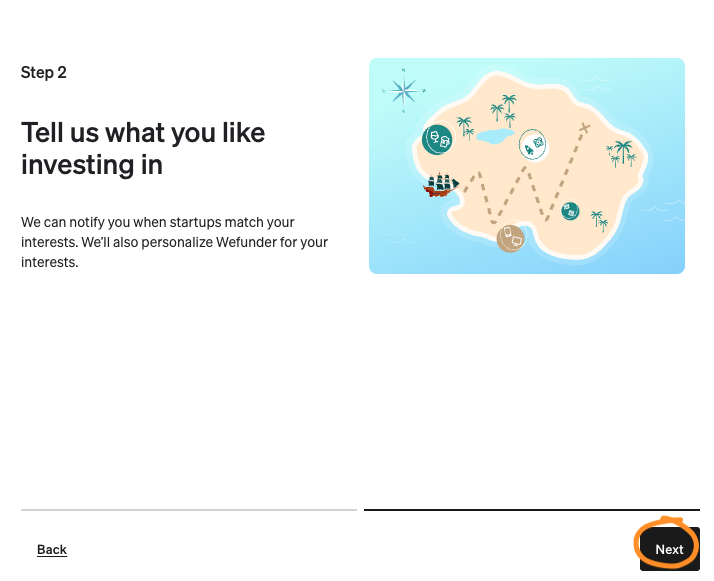
- Click Next:
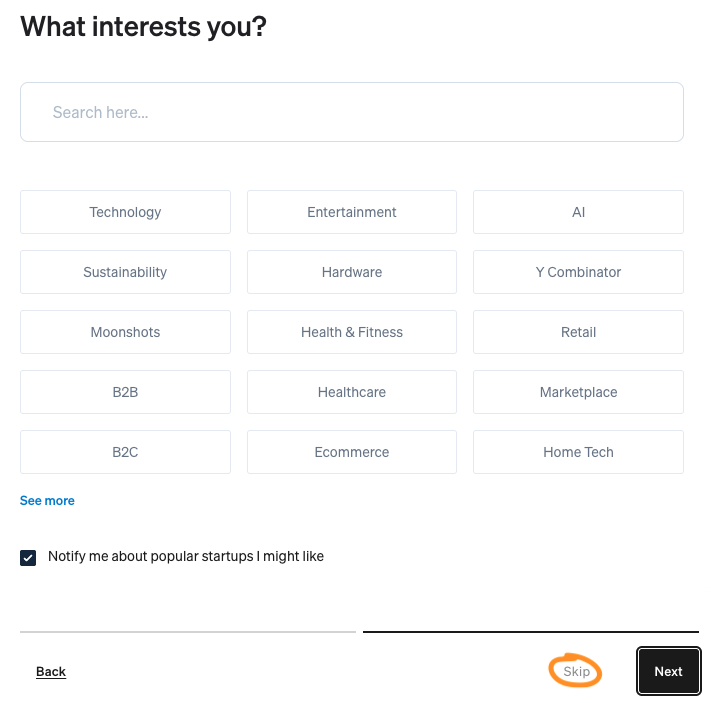
- You may ‘Skip’ your interests:
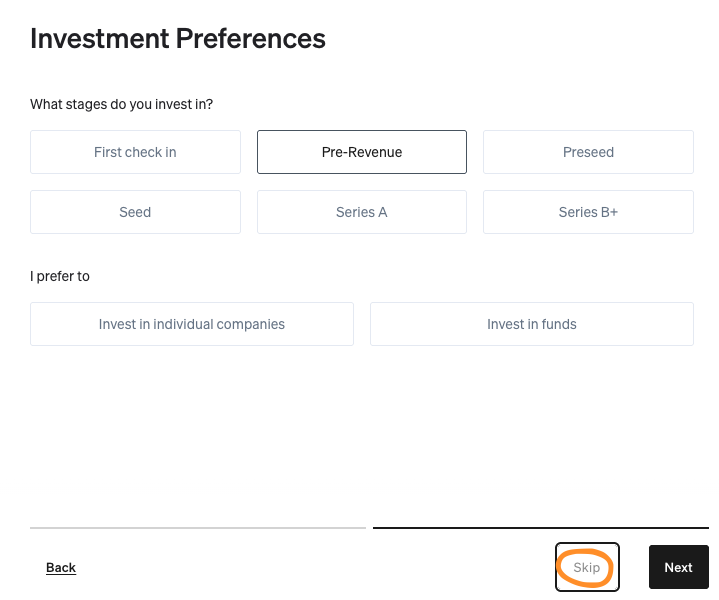
- You may ‘Skip’ Investment Preferences:
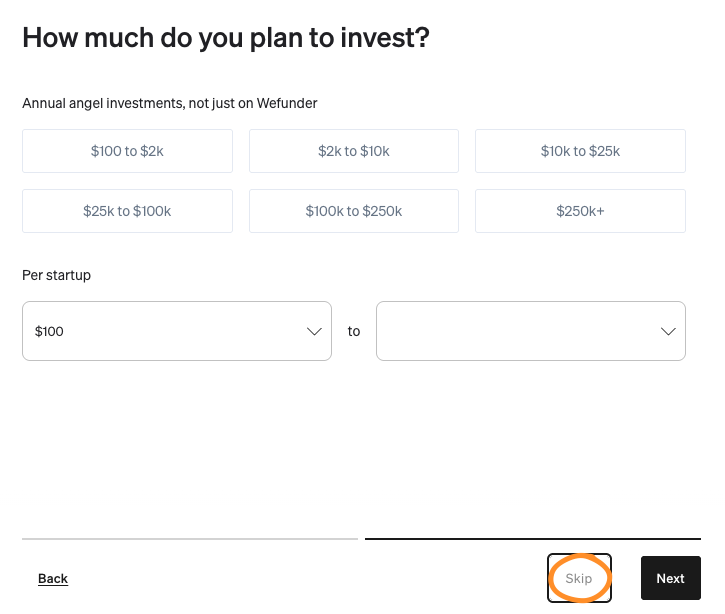
- You may ‘Skip’ how much you plan to invest:
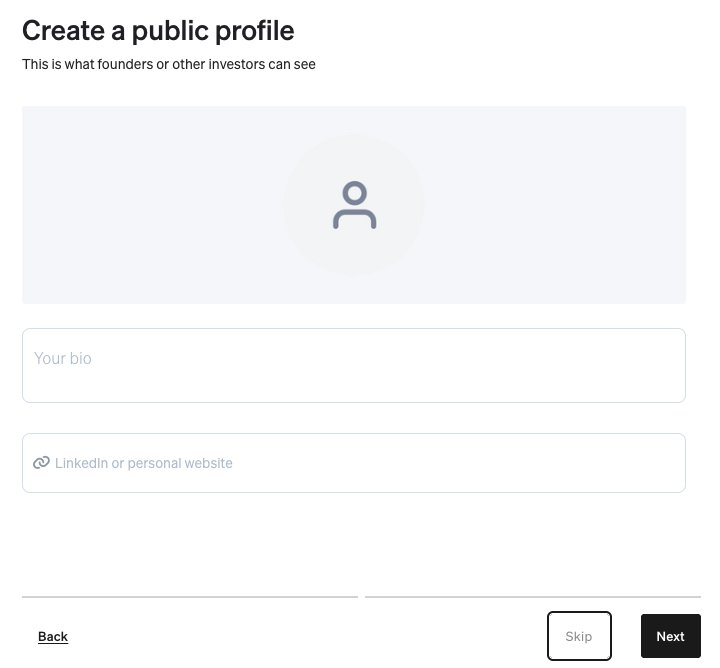
- Complete your profile information or ‘Skip’:
- You may ‘Skip’ the Asks:
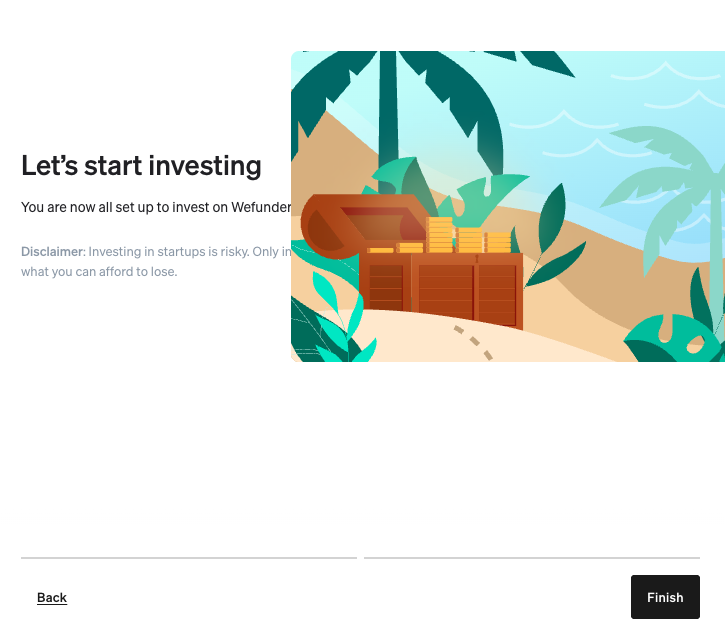
- Click ‘Finish’:



2. Follow us on Wefunder
- Now, in your web browser, browse to https://wefunder.com/cplx.io
- Click on ‘WATCH FOR UPDATES’:

3. Screenshot as Proof
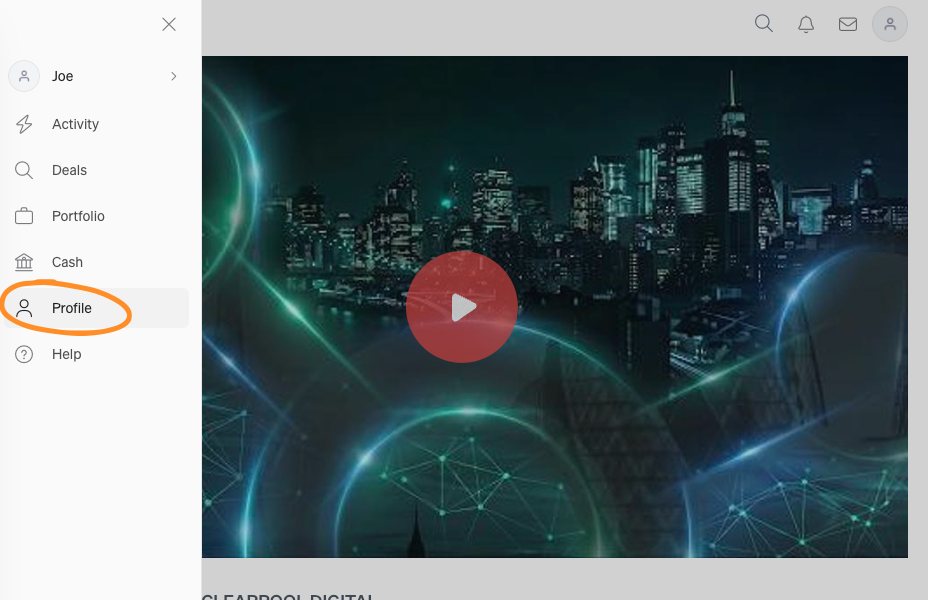
- Click on the menu icon:
- Click ‘Profile’:
- Click on ‘FOLLOWING’ and then take a screenshot:

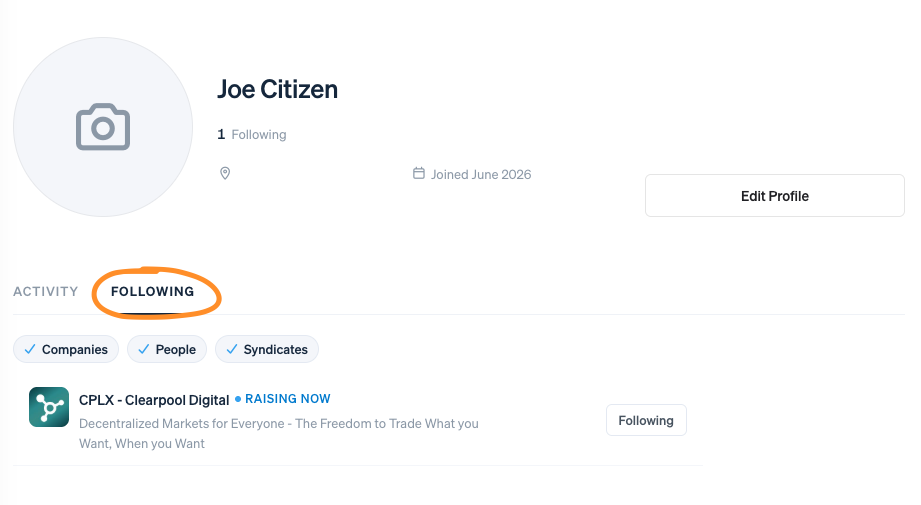
REMEMBER: Your name MUST be visible in the screenshot and you MUST be following CPLX - Clearpool Digital